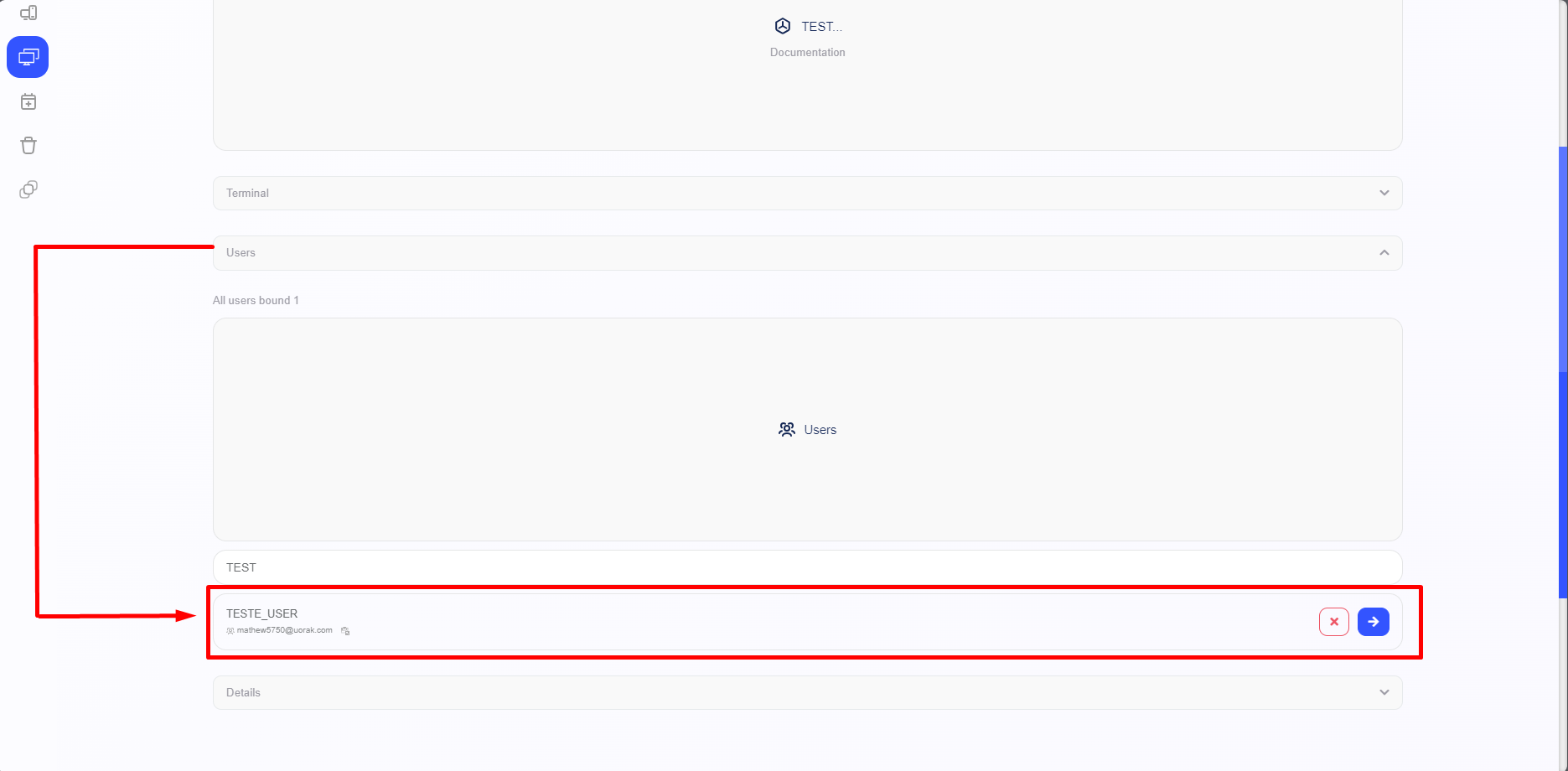
Linking Users in the Terminal Group
By following the steps described earlier, the terminal will be registered. To link a user, you need to access a previously created terminal where you wish to link the user, according to your preference.

After accessing a terminal, the system will display the terminal interface, where you can link a user by accessing the “Users” section and then clicking on “Users” again.
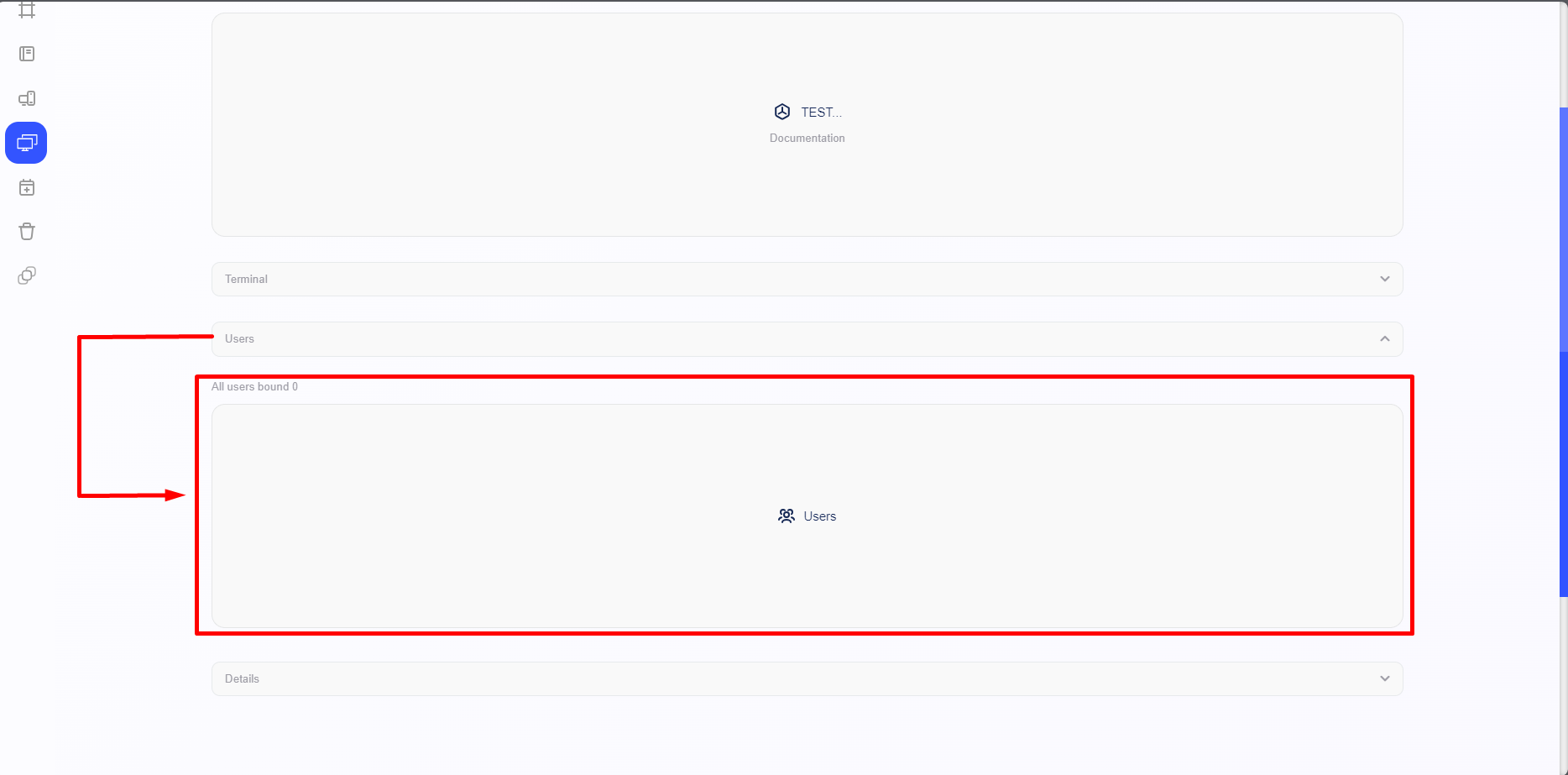
Note: If you do not have any users created, you will need to access the "Users" section.
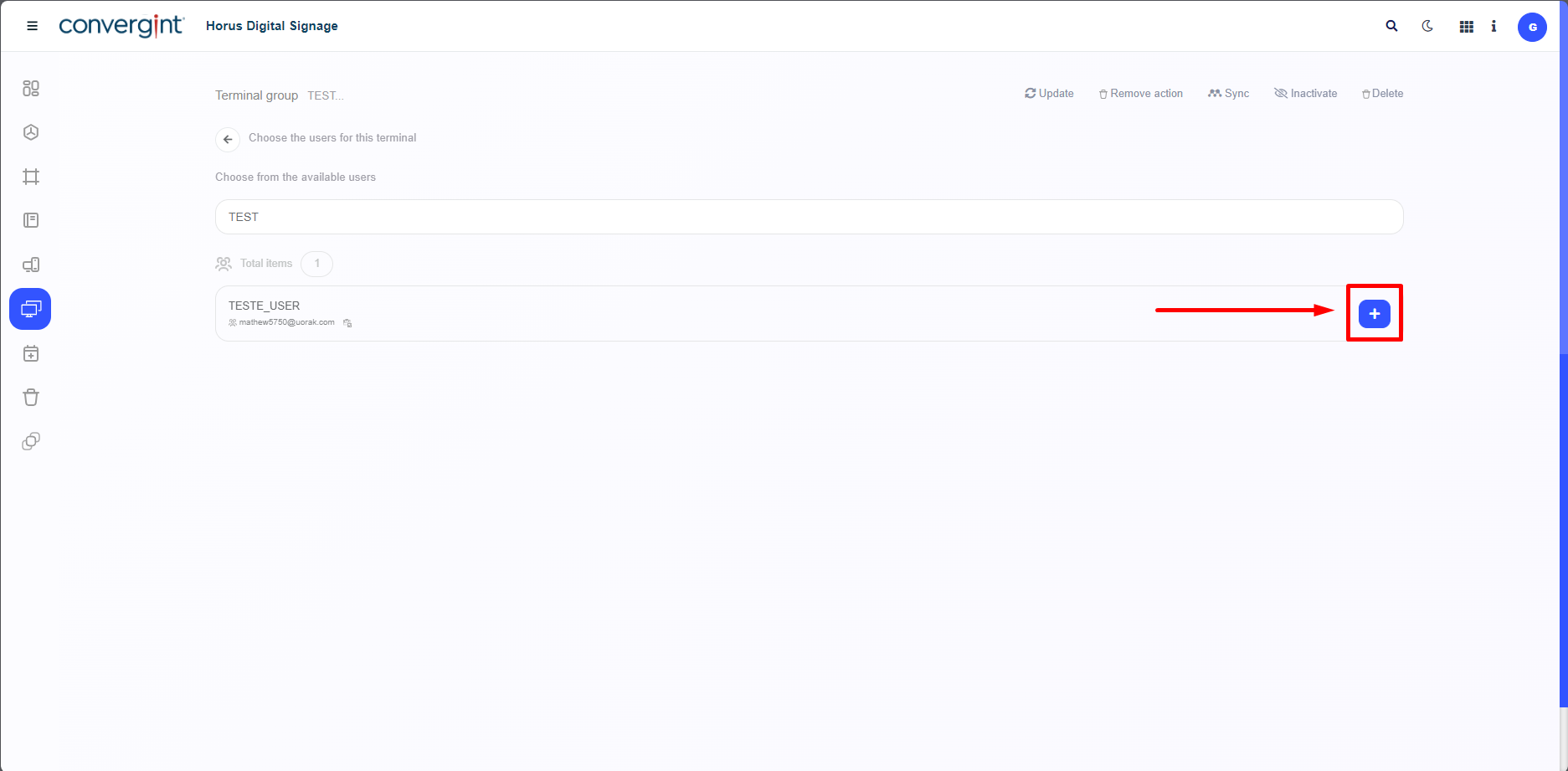
After completing the user registration, simply access the Terminal Group we were using earlier and add the previously registered user by using the “+” option, highlighted, associated with the desired user.
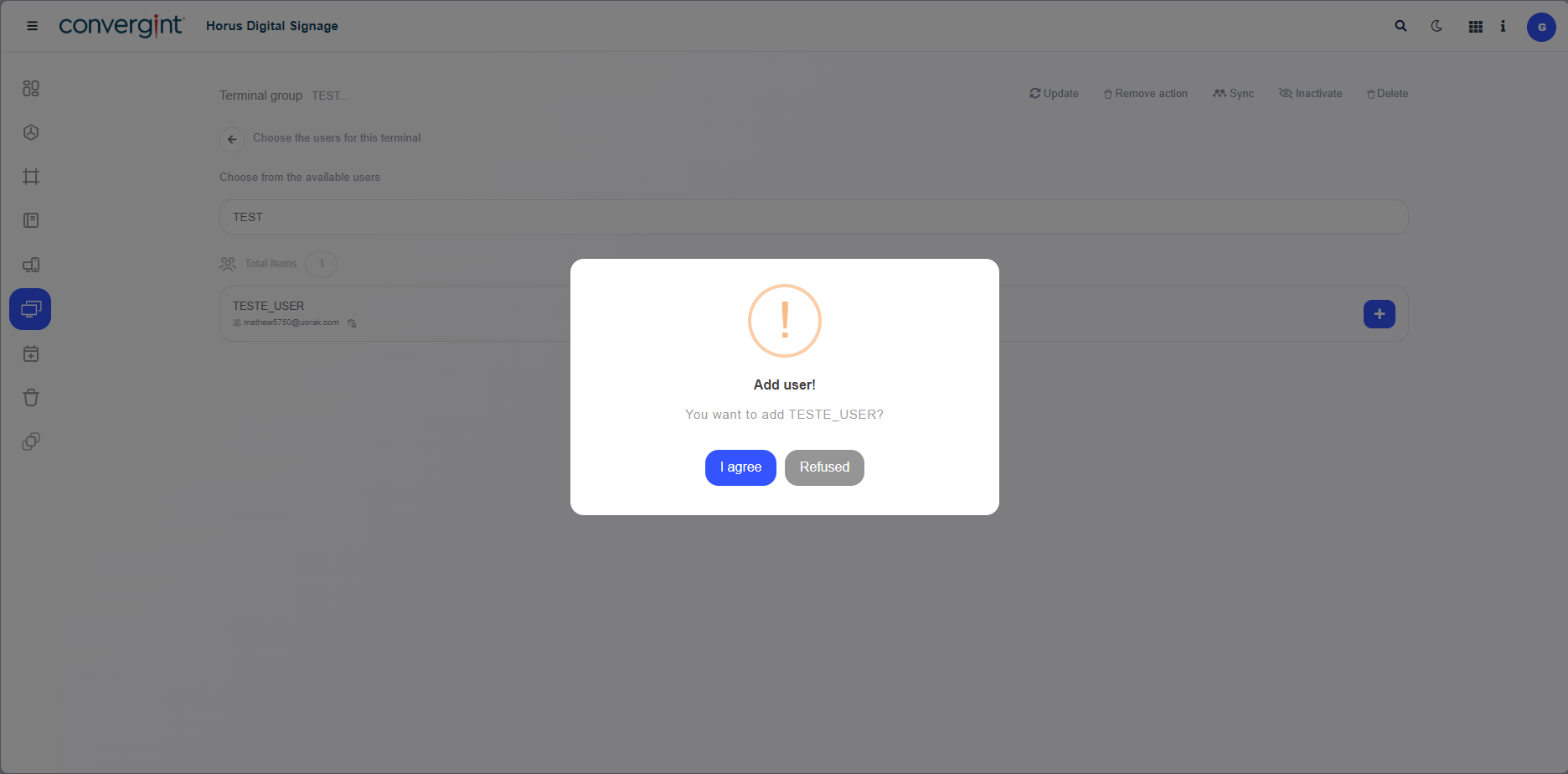
Upon selecting the operator, a pop-up will appear asking for confirmation before proceeding with the functions that each role performs.
After selecting the desired user, they will be associated with the terminal they are integrated into.